A Field Quartermaster
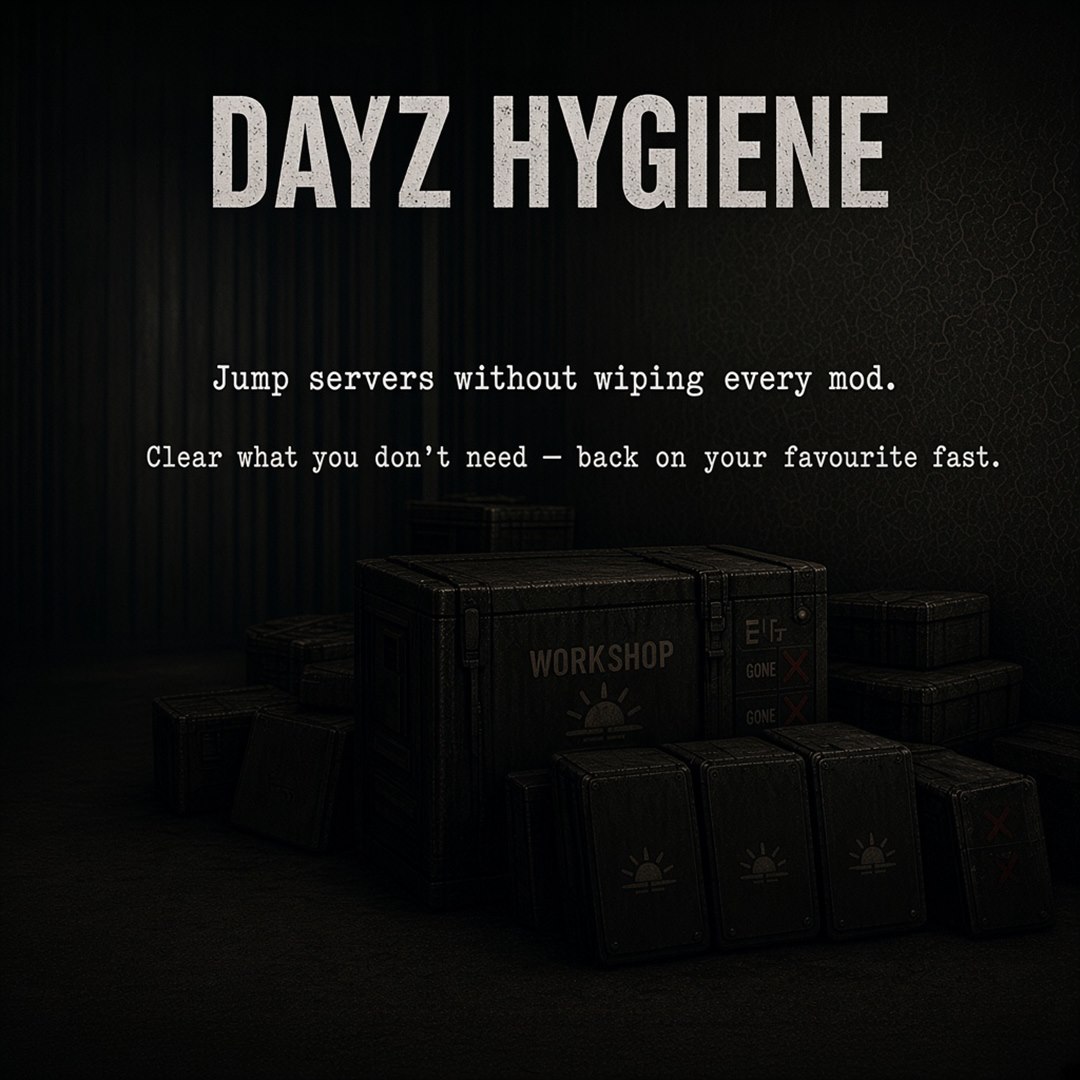
Stacked Workshop crates — the pile you’re finally ready to thin out.
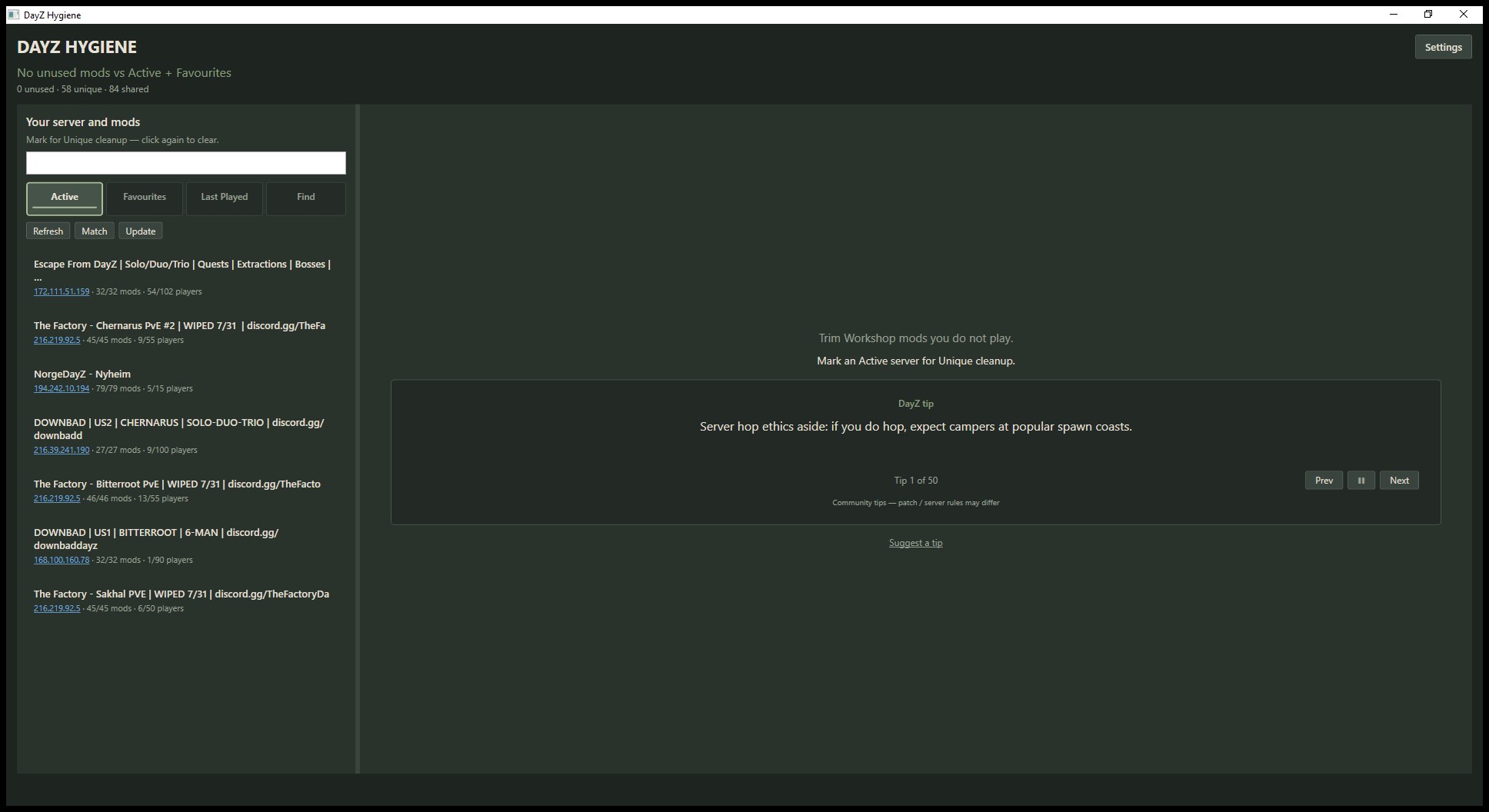
Find servers, manage Favourites, and clear Unique, Shared, or Unused mods. Optional sync with DZSA or the vanilla launcher if you already use them.
Share DayZ Hygiene with friends who are still drowning in Workshop mods.
Want a wallpaper for your screen? Flip through the sets and download. All art packs →
Short setup notes — Windows warning, Find, cleanup, and optional launcher sync.
Setup is not code-signed yet. If Windows says it protected your PC:
Unsigned for now — CA certs are pricey for a free DayZ tool. More info → Run anyway is normal.
If Setup asks, install .NET 8 Desktop Runtime (x64) — once.
Open Find. Search official and community servers. Mark a few, then Add selected to Fav.
On Favourites, download any missing mods, then hit Play when the pack is ready.
Mark the servers you still play as Active, and keep hosts you like in Favourites. Hygiene then shows which Workshop mods are Unique to one host, Shared across several, or Unused leftovers.
When you clean up, Steam can unsubscribe those mods and move the folders to the Recycle Bin (or folder-only if you prefer). Shared mods stay so your other servers keep working.
You do not need DZSA or the vanilla launcher. If you already use them, Hygiene can sync favourites both ways when those files exist — optional, not required.
Four looks for DayZ Hygiene. Peek at each pack, or download them all in one zip. Single wallpapers are still on Home.
Stacked Workshop crates — the pile you’re finally ready to thin out.
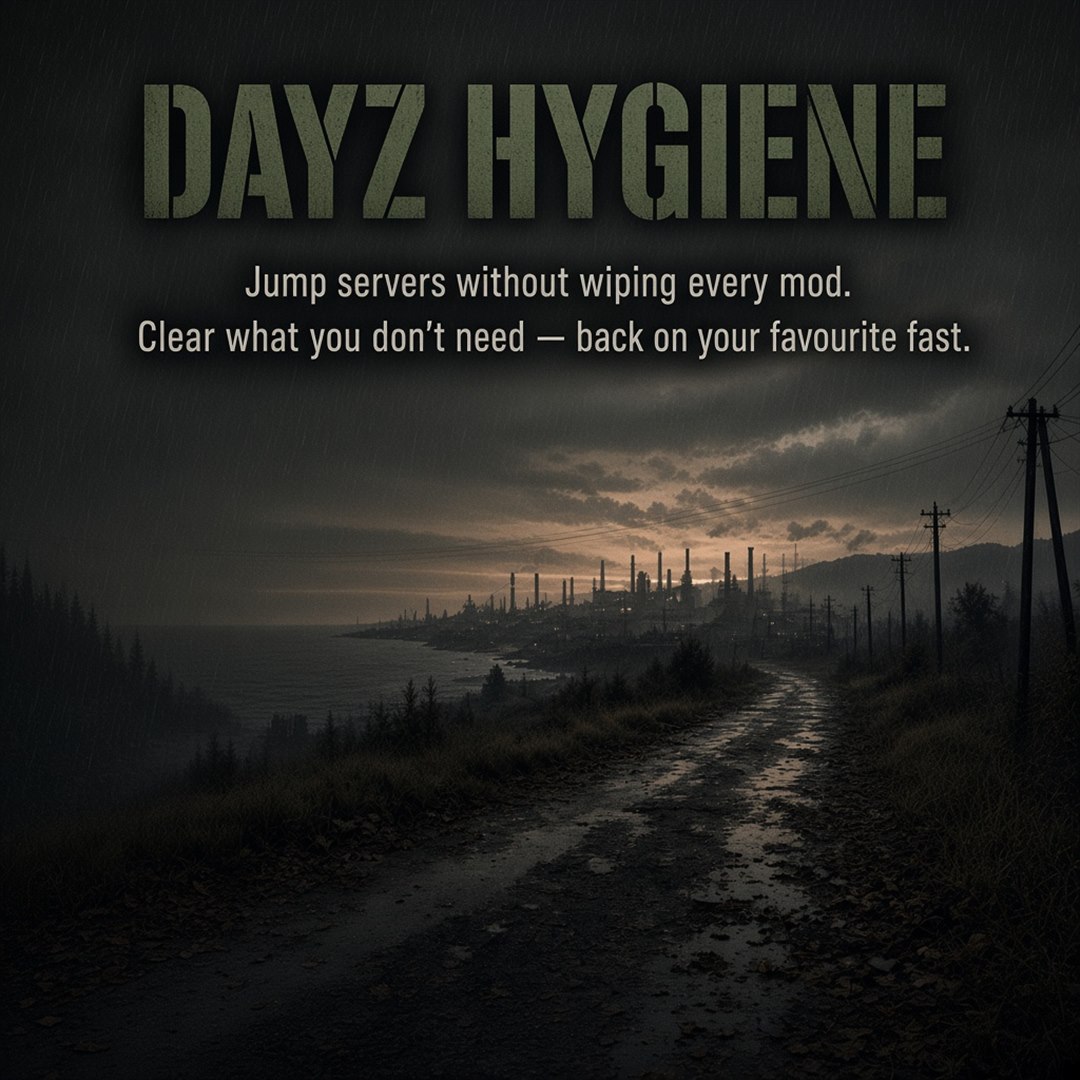
Wet coastal road at dusk. Mud, fog, and the long road ahead.
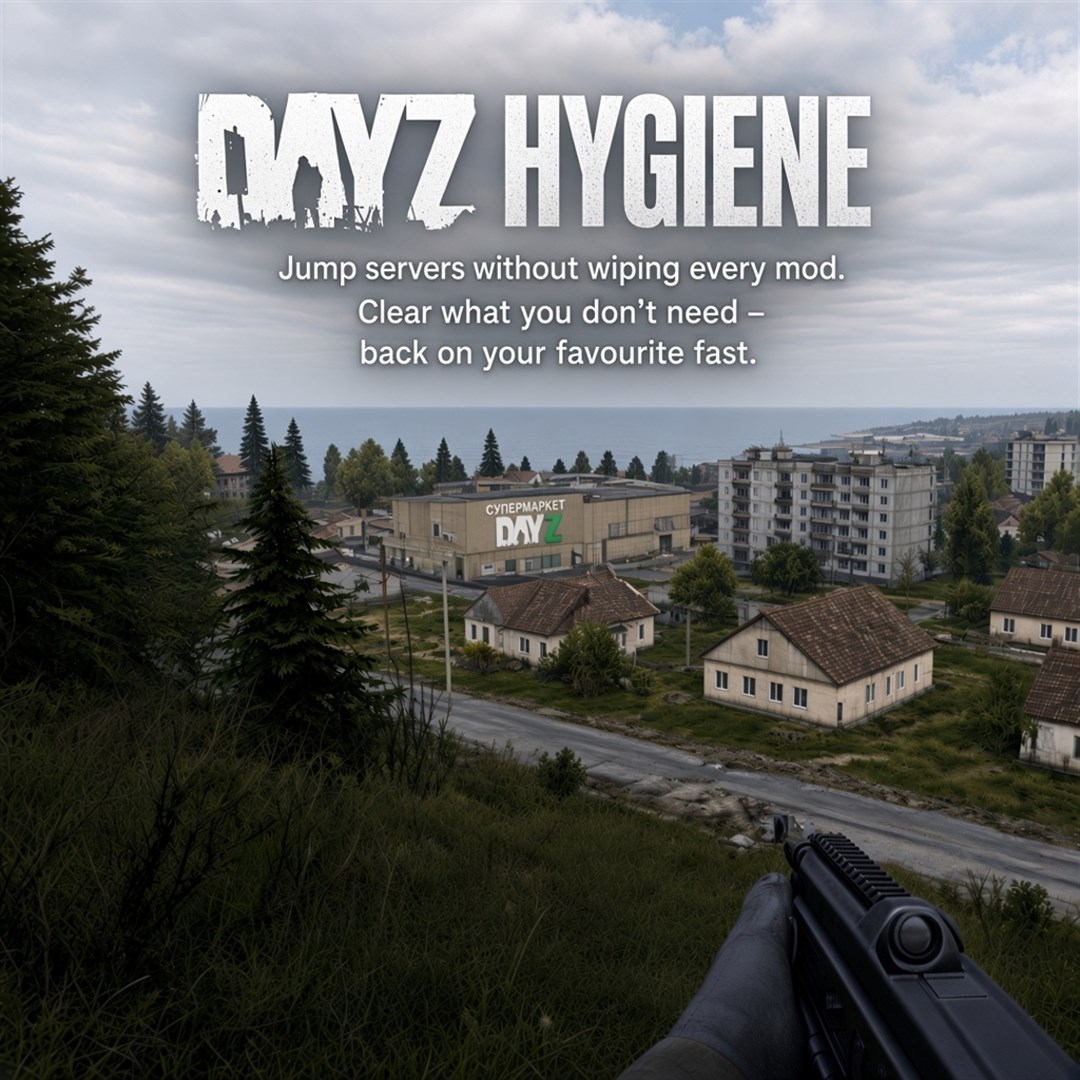
Grey afternoon on the ridge — town and sea laid out below.
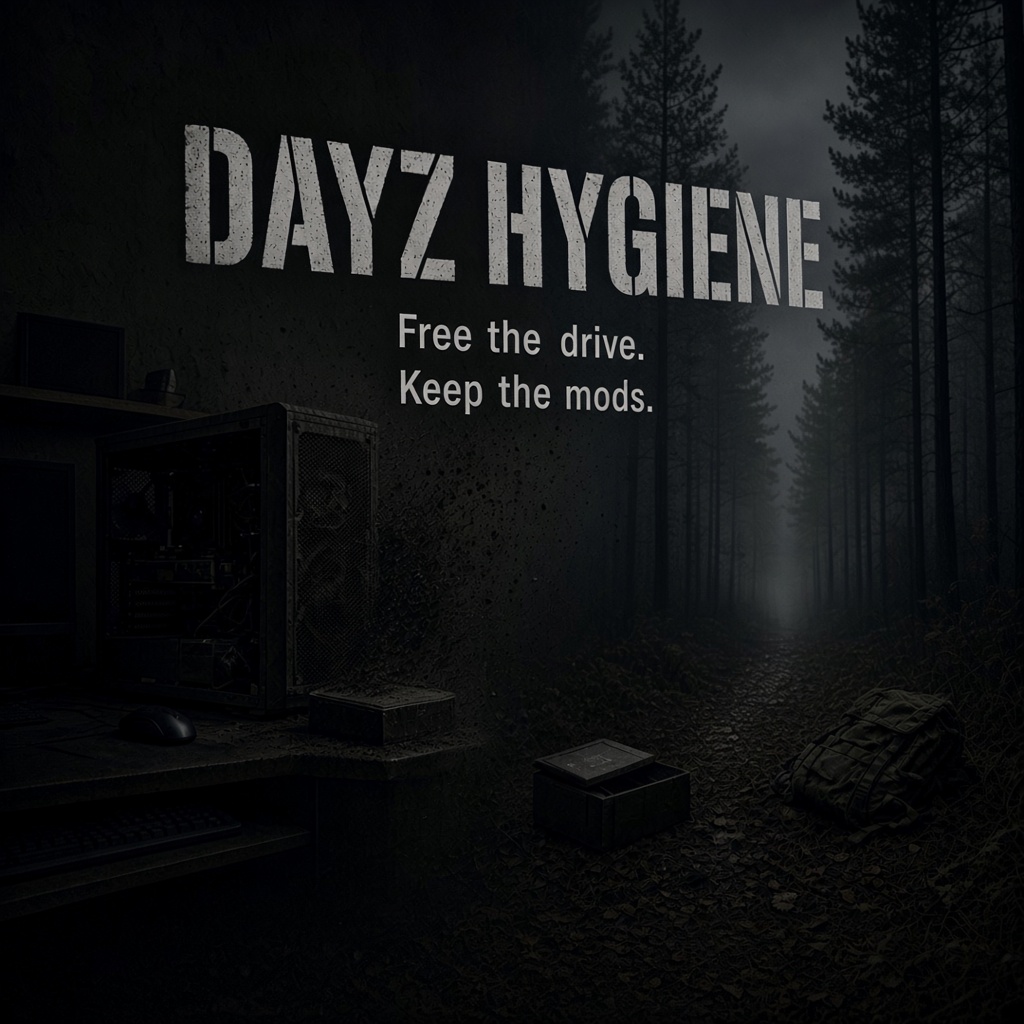
Leave the dusty PC behind. The adventure is waiting.
Art competition coming later — with prizes.
What shipped in each build. App updates download quietly; Hygiene asks before installing.